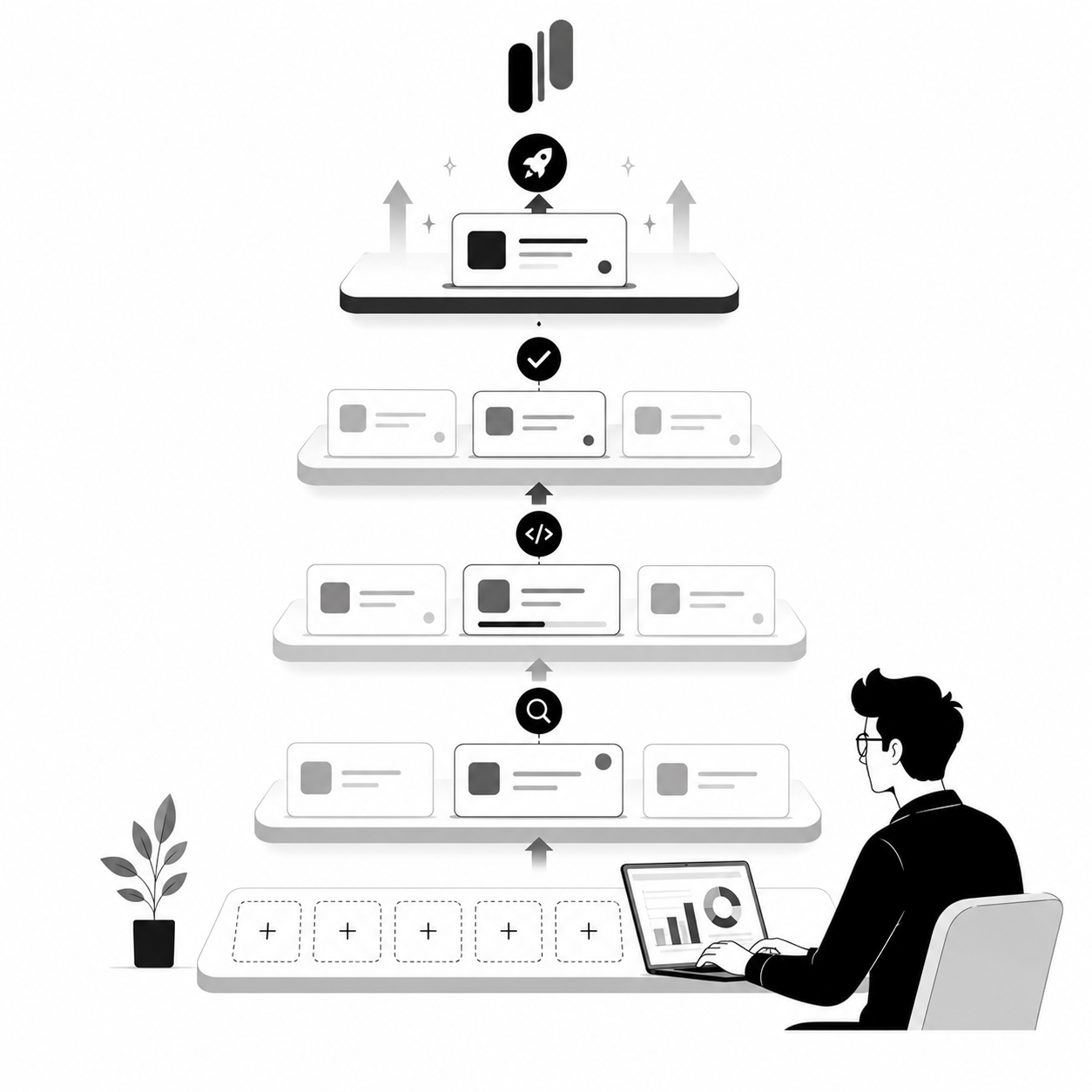

You have 150 votes for "Real-time Collaboration." You have 5 comments.
This is your signal to interview, but most product teams miss it.
Instead, they either build based on the votes alone (and guess wrong), or they skip the interviews entirely and wonder why adoption is low. The opportunity cost is massive: wasted engineering time, frustrated users, and a roadmap full of features nobody actually wanted.
But there's a better way.
In this guide, we'll show you exactly how to use MonkFeed to identify which feedback items deserve deep-dive interviews, craft laser-focused interview questions based on voting patterns, and tag the insights you uncover so they actually influence your roadmap.
This is the workflow that separates product teams that build with confidence from those that build with hope.
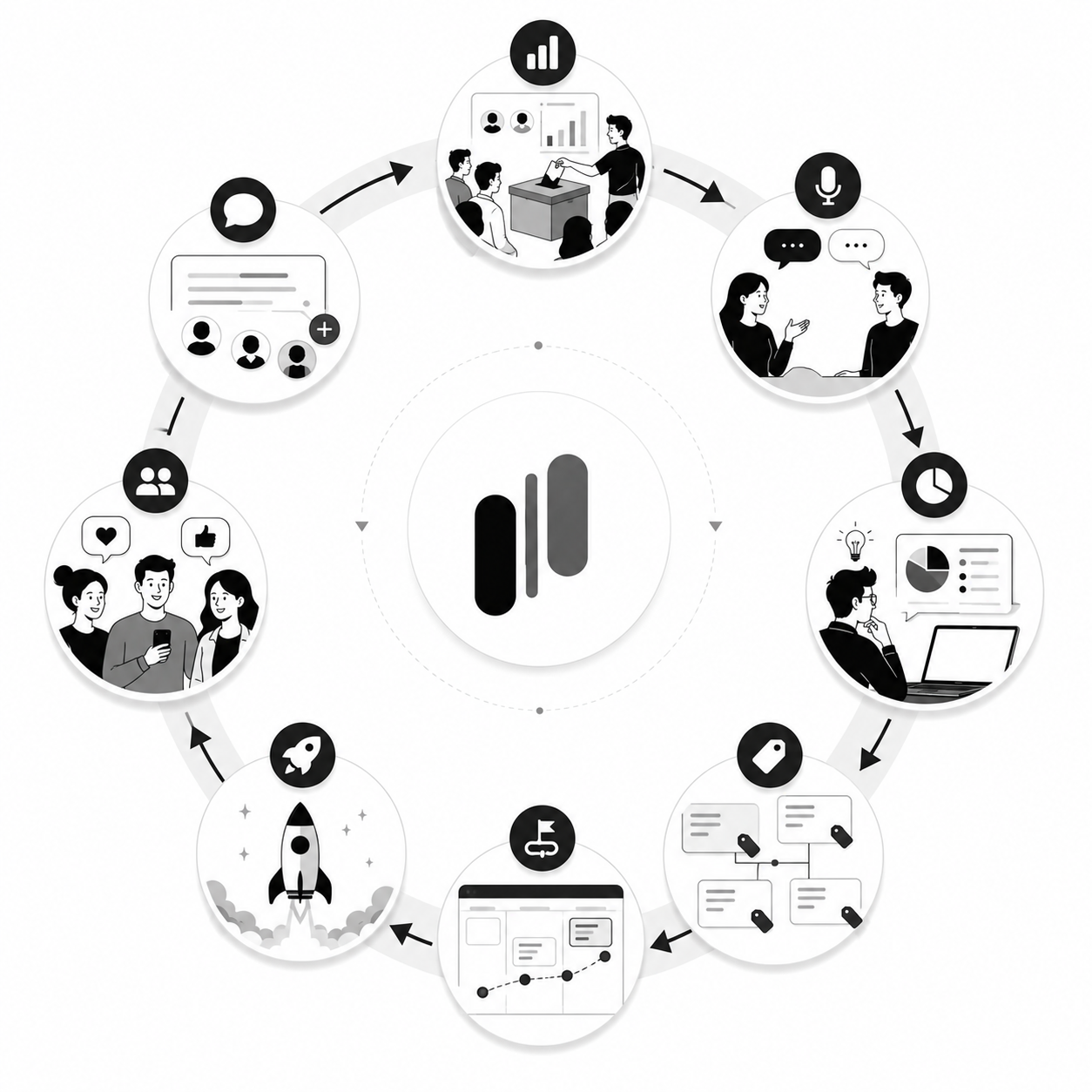
The "High Vote, Low Comment" Signal: Your Interview Goldmine
Before you schedule a single interview, you need to know who to talk to and what to ask.
MonkFeed makes this easy by highlighting a specific data pattern that signals high-priority, low-clarity requests: High Votes + Low Comments.
Why This Pattern Matters
When a feature request has high votes but few comments, users are saying two things simultaneously:
- "I want this" (the votes)
- "But I haven't explained why or how" (the silence)
This is the exact moment to interview. Users care enough to vote, but they haven't articulated their needs. Your job is to ask the questions that unlock that clarity.
The Alternative Patterns (and Why They're Different):
- High Votes + High Comments — Clear need, well-articulated. Interview priority: Low. Build it. Users have already explained it.
- High Votes + Low Comments — Strong signal, unclear why. Interview priority: HIGH. Interview immediately. This is gold.
- Low Votes + High Comments — Vocal minority. Interview priority: Medium. Interview to validate if this is niche or signal.
- Low Votes + Low Comments — Noise. Interview priority: None. Ignore (for now).

Step 1: Finding Your Interview Candidates in MonkFeed
Don't waste time interviewing random users. Use data to target the right people.
How to Identify High Vote, Low Comment Items
In MonkFeed:
- Open your feedback board.
- Sort by Votes (High to Low).
- Scan for items with:
- Vote count: 50+ (or whatever threshold makes sense for your user base)
- Comments: 0–3 (the key signal)
- Flag these items as "Interview Candidates."
Pro Tip: Create a custom tag in MonkFeed called #Interview-Candidate to mark these items. This makes them easy to track and reference later.
Segment by User Tier (The Revenue Angle)
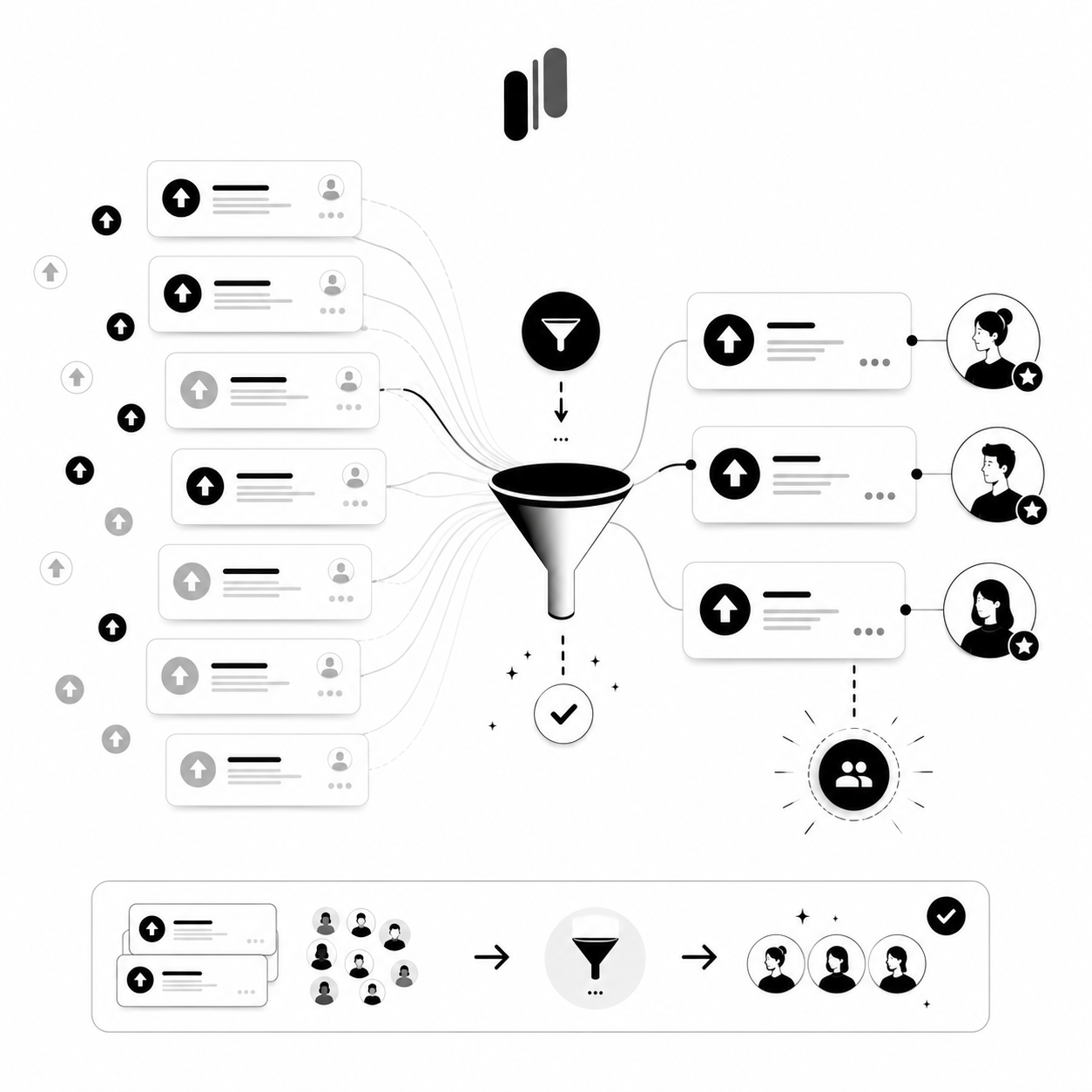
Not all votes are created equal. A vote from an Enterprise customer is worth more than a vote from a Free tier user.
In MonkFeed:
- Filter your board by User Tier (if you've tagged users with their plan level).
- Look for high-vote, low-comment items from your highest-value segments (Enterprise, Pro, etc.).
- Prioritize interviews with these users first. Their feedback directly impacts revenue retention.
Example: You see "Advanced Permissions" has 40 votes, 2 comments. You filter and see 8 of those votes came from Enterprise customers. Interview those 8 first. Their needs will shape your roadmap more than 32 votes from Free tier users.
Look for "Stalled" Features
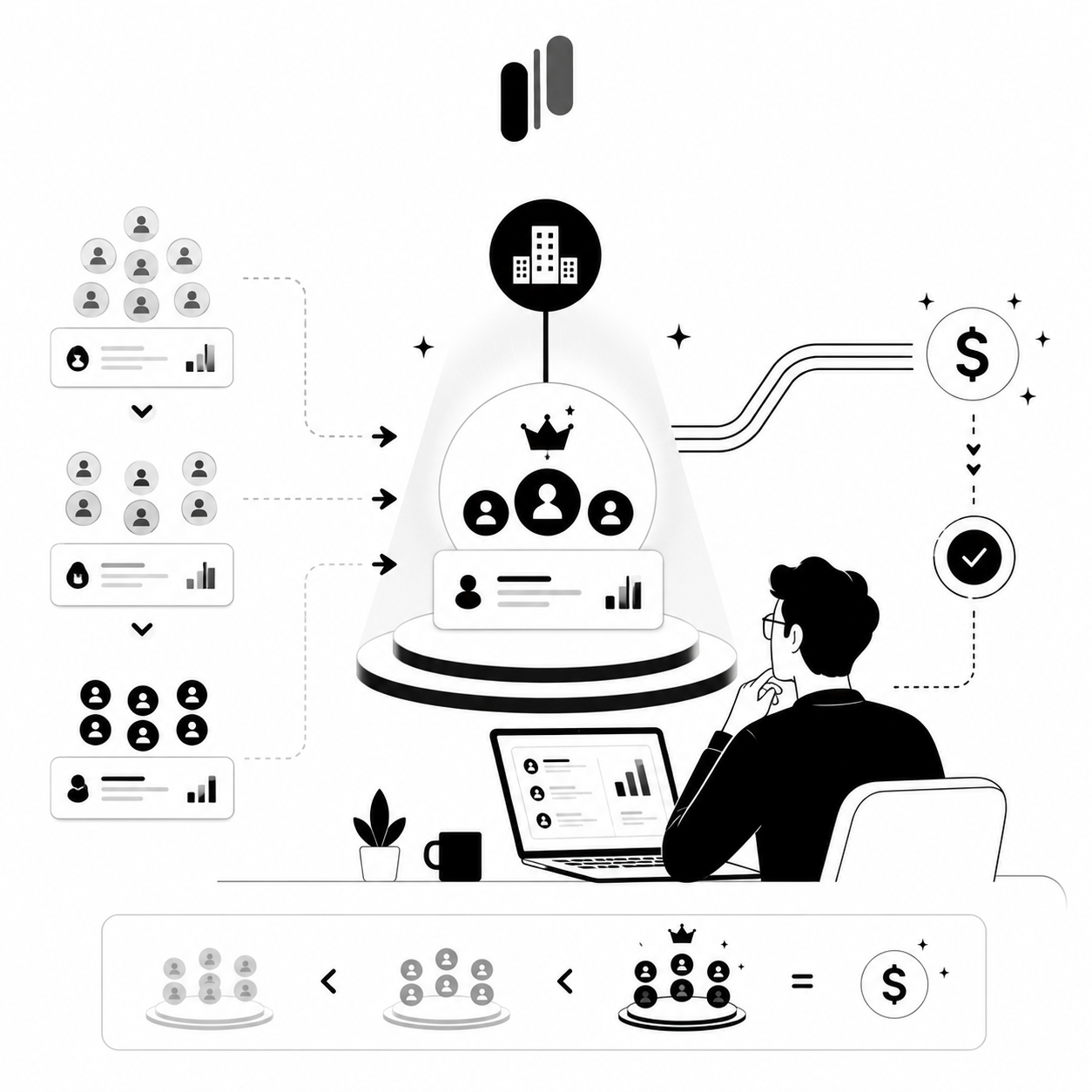
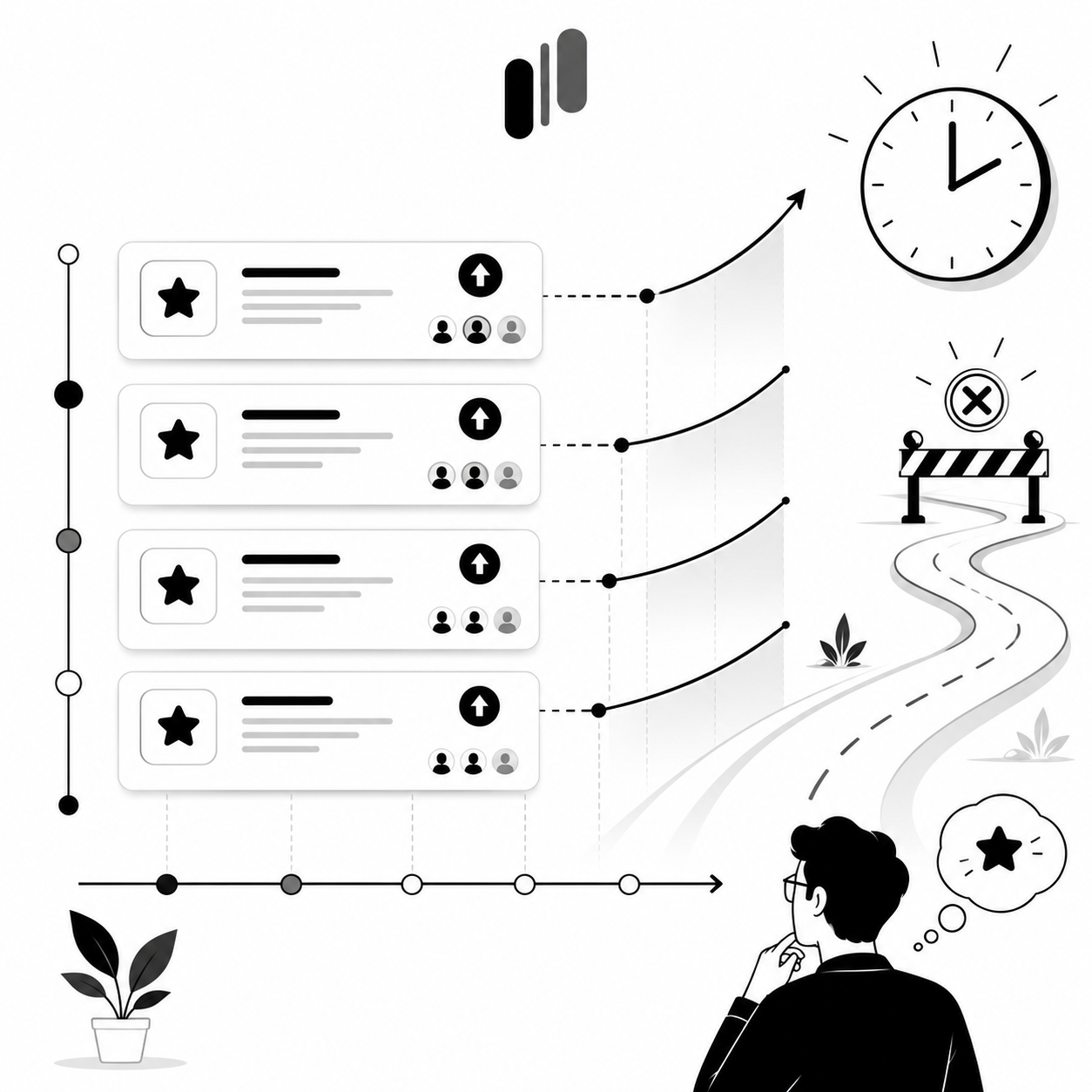
Some features have been accumulating votes for months but haven't moved to "In Progress" or "Launched." These are prime interview candidates.
Why? Users keep voting because the problem persists. They're signaling: "This is still critical."
In MonkFeed:
- Filter by Status: Proposed (features that haven't been prioritized).
- Sort by Last Vote Date (most recent first).
- Look for items with steady vote growth over 3+ months.
Question to ask in the interview: "I see you've been voting for X for months. What's changed in your workflow since you first voted? Is this still as critical?"
Step 2: Crafting Interview Questions Based on Voting Patterns
Once you've identified your candidates, don't walk into the interview unprepared. Use their voting history to script your questions.
This approach accomplishes two things:
- Shows you're listening. Users feel heard when you reference their specific activity.
- Cuts through the noise immediately. You get to the real problem in the first 5 minutes instead of 20.
The "Contextual" Question Framework
Instead of asking generic questions, reference the user's voting history.
Bad Question: "What features would you like to see?"
Good Question (Using MonkFeed Data): "I noticed you voted for 'Export to CSV' three times in the last month, but you haven't left a comment. Can you walk me through the last time you needed to export data? What did you have to do instead?"
Why this works: You're not asking them to remember a vague request. You're asking them to describe a specific, recent moment of pain. This triggers concrete details instead of abstract wishes.
The "Hypothetical" Approach
Use the voting data to test your assumptions about the solution.
Example: "We see a lot of requests for 'Mobile App'. If we built a mobile version today, what is the ONE thing you'd do on it that you can't do on the desktop right now?"
Why this works: You're not asking "Do you want a mobile app?" (Yes/No trap). You're asking them to prioritize. This reveals whether it's a genuine need or a "nice-to-have."

The "Five Whys" Technique (The Root Cause Excavator)
When a user explains a problem, keep asking "Why?" to dig to the root cause.
Example:
- User: "I need a Dark Mode."
- You: "Why is that important for you?"
- User: "My eyes get tired at night."
- You: "Why does that happen specifically with our app?"
- User: "Because the contrast is too bright compared to my other tools."
Insight: The user doesn't want "Dark Mode"; they want better contrast management. You might solve this with a "Dim Mode" or "High Contrast" toggle instead of a full UI overhaul.
Why this works: You've moved from the surface-level request ("Dark Mode") to the underlying need ("contrast management"). This changes how you build and saves engineering time.
The "Validation" Question
Use high-vote items to validate your assumptions about market size.
Example: "I see 150 people voted for 'Real-time Collaboration'. In your workflow, how many people on your team would actually use this?"
Why this works: You're testing whether the 150 votes represent 150 people who need it, or 20 people voting multiple times, or a feature that only works for a subset of those users.

Step 3: Recording and Tagging Qualitative Insights Back to MonkFeed
You've done the interview. You have a recording, a transcript, and a list of insights. Now comes the critical step that most teams skip: making sure this data actually influences your roadmap.
Without a system to tag and link qualitative insights back to your feedback board, your interview data gets lost in a folder somewhere. Six months later, you've forgotten the key insights and you're making the same decisions based on guesses.
This is where MonkFeed becomes your single source of truth.
Step 3A: Create Custom Tags for Qualitative Insights
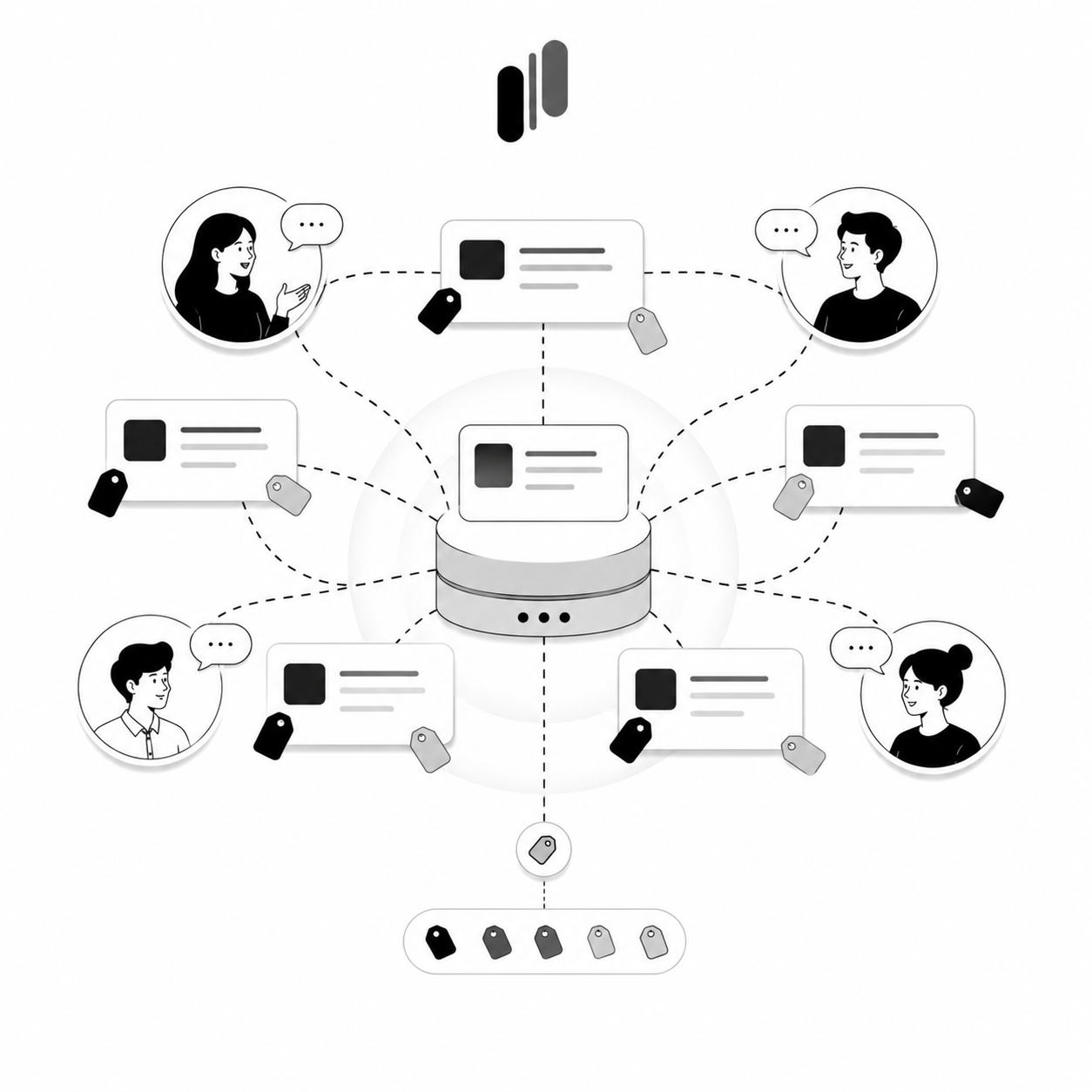
In MonkFeed, create custom tags that categorize the types of insights you're finding in interviews.
Recommended Tags:
#Interview-Insight— General marker that this item has been validated through interviews#UX-Issue— Users struggle to find/understand the feature#Bug— Broken functionality revealed in interviews#Missing-Workflow— Feature solves part of the problem, not all#Adoption-Success— Users love this; high adoption potential#Niche-Need— Only a small segment needs this#Blocker— This is preventing users from achieving their goal
How to Use: When you discover a pattern in interviews, apply the relevant tag to the MonkFeed item.
Example: You interview 3 users who voted for "Export to CSV." All 3 mention they use the export for monthly reporting. You tag the item with #Blocker because without it, they're manually copying data, which takes 4 hours.
Step 3B: Link the Interview to the Request
In the Comments section of the relevant MonkFeed card, paste a link to the interview recording or a summary of the key quote.
Example Comment:
Interview with Enterprise User (Sarah M.) - June 24, 2026 Key Quote: "Without CSV export, I have to manually copy-paste data every month. It takes 4 hours and I'm terrified I'll miss something." Insight: This isn't a "nice-to-have." It's a blocker for monthly reporting workflows in Enterprise accounts. Priority: HIGH - Revenue Impact: High churn risk if not solved.
Why this works: The next time someone on your team looks at this card, they see the exact evidence for why it matters. No guessing. No "I think users want this." Just facts.
Step 3C: Update the Status Based on Insights
Use your interview data to move the request through your workflow statuses.
How to decide:
- Interview reveals a critical blocker? Move to In Progress or Validated. This is a priority.
- Interview reveals the request is a misunderstanding? Move to Under Review and add a comment explaining the nuance.
- Interview reveals it's niche? Tag with
#Niche-Needand keep it Proposed for now. - Interview reveals it's already solved by a workaround? Move to Closed with an explanation.
Example:
Status Changed: Proposed → Validated Reason: Interviewed 3 Enterprise users who voted for this feature. All 3 confirmed it's blocking their monthly reporting workflow. Without CSV export, they spend 4 hours manually copying data. Next Step: Prioritize for Q3 development.

Step 3D: Notify the Voters (The Trust Builder)
This is the secret weapon for retention and advocacy.
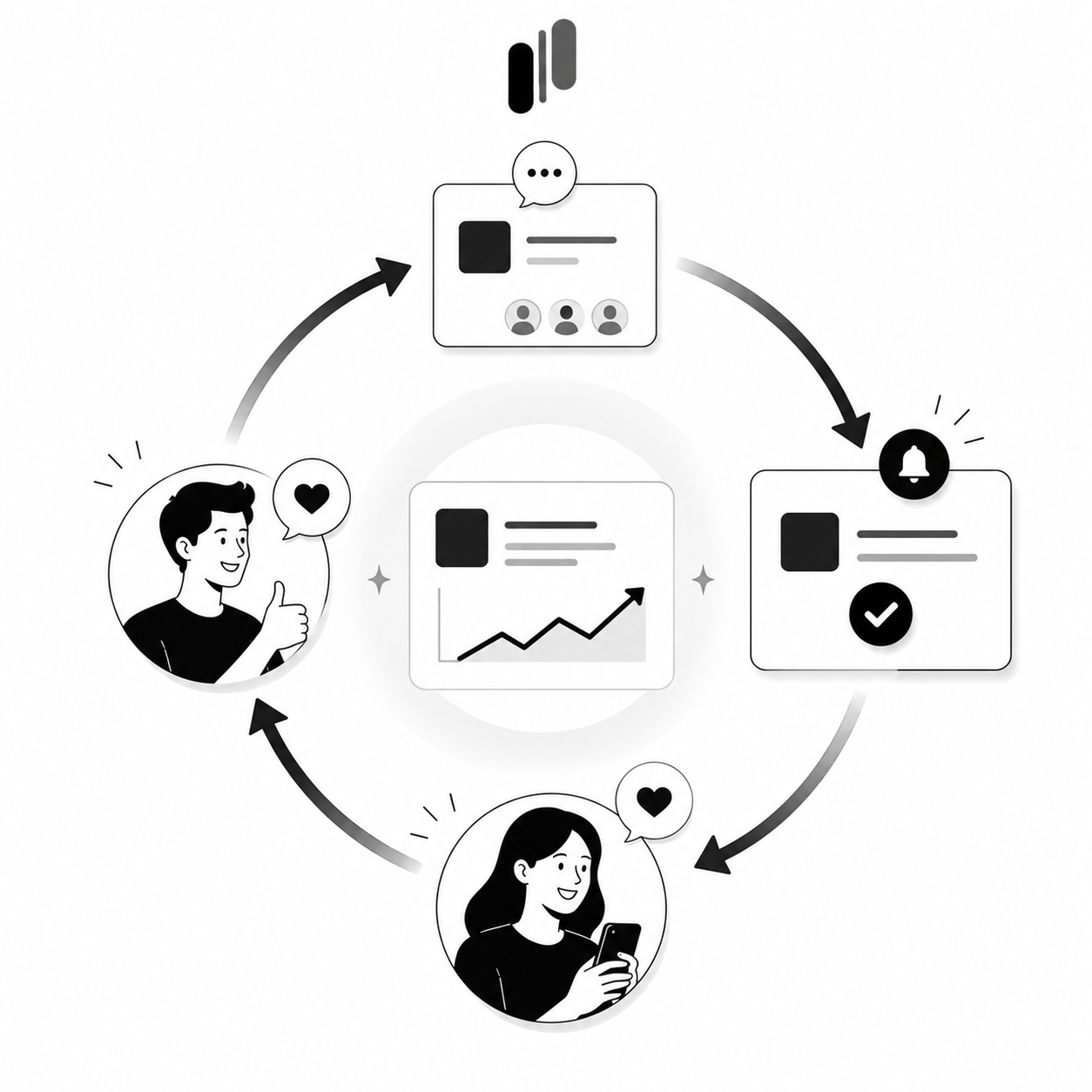
When you update the status of a request based on interview insights, MonkFeed automatically notifies the voters.
Auto-Notification Example:
Subject: Your feedback led to action
Hi there,
Thanks to your vote and feedback, we're moving "Export to CSV" to our development queue. We spoke to several Enterprise users (including you!) who shared critical details about their reporting needs.
We're prioritizing this for Q3 launch.
— The [Product] Team
Why this matters:
- Retention: Users feel heard and are less likely to churn.
- Advocacy: Users who see their ideas become reality become your biggest cheerleaders on social media.
- Trust: You're not just collecting feedback; you're acting on it.
The Complete Workflow: From Votes to Action
Here's how the entire process looks in practice:
Week 1: Identify
- Monday: Sort your MonkFeed board by Votes (High to Low).
- Tuesday: Identify 5–10 items with High Votes + Low Comments.
- Wednesday: Tag them with
#Interview-Candidateand filter by Enterprise users. - Thursday: Reach out to those users and schedule interviews.
Week 2: Interview
- Monday–Wednesday: Conduct 5 user interviews (30–45 minutes each).
- Thursday: Review recordings and extract key insights.
- Friday: Synthesize findings and identify patterns.
Week 3: Tag and Update
- Monday: Add tags to each MonkFeed item based on interview insights.
- Tuesday: Paste key quotes and recording links into the Comments section.
- Wednesday: Update statuses based on what you learned.
- Thursday: MonkFeed sends auto-notifications to voters.
- Friday: Celebrate with your team. You've turned votes into validated priorities.
Real-World Example: The "Contextual Annotation" Story
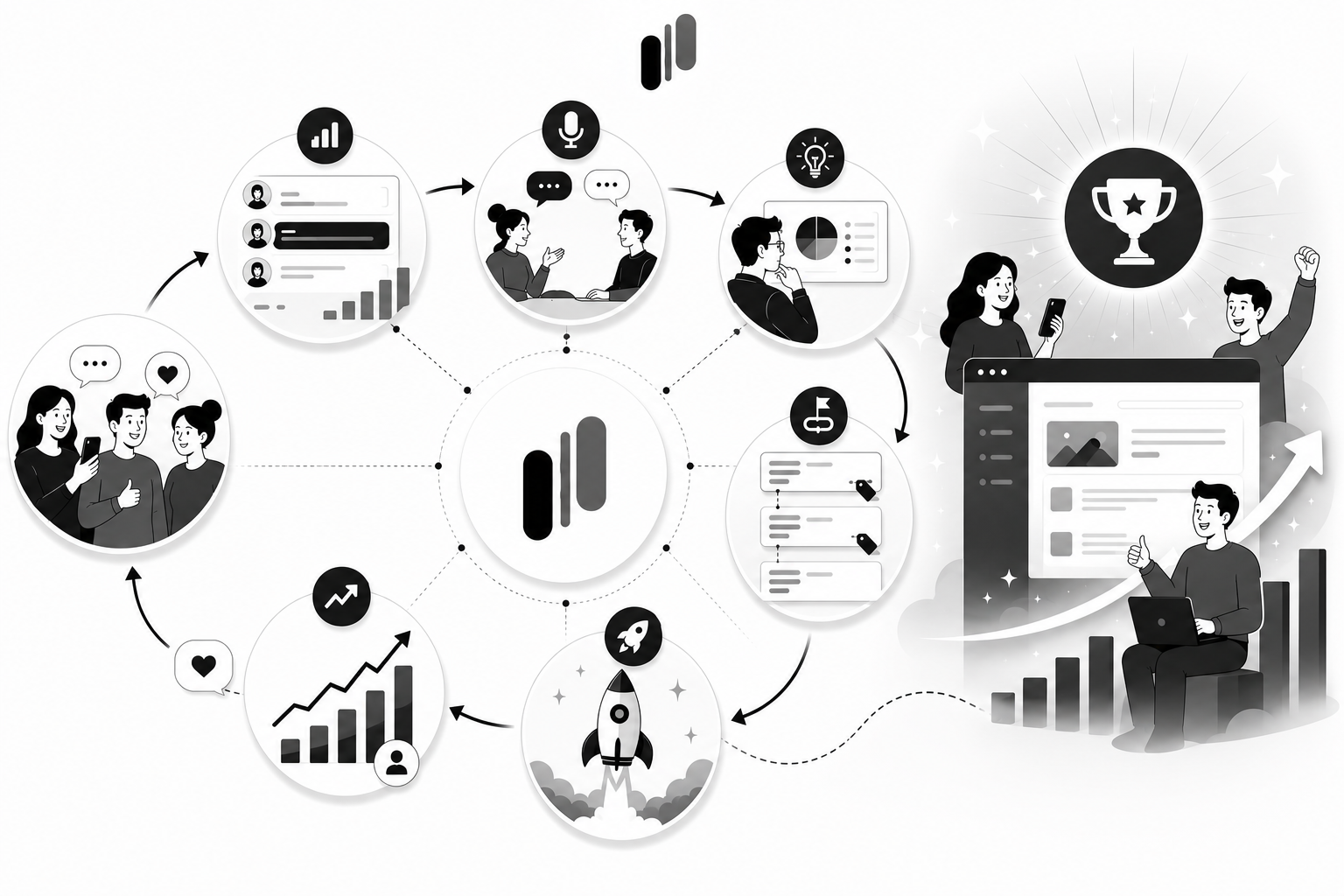
Let's walk through a complete example to show how this workflow works.
The Starting Point
You notice "Real-time Collaboration" has 150 votes but only 5 comments. You tag it #Interview-Candidate.
The Interview
You reach out to 5 users who voted for this feature. In the first interview, you ask: "I noticed you voted for 'Real-time Collaboration'. Can you describe the last time you needed to collaborate with a teammate? What were you trying to do?"
User Response: "We were reviewing sales data, and I wanted to point out a specific row that looked wrong. I had to send a Slack message saying 'Look at row 47, column C.' It was confusing and error-prone."
You ask the Five Whys:
- You: "Why was it confusing?"
- User: "Because they had to navigate to row 47 themselves and might miss it."
- You: "What would solve this?"
- User: "The ability to comment directly on that specific row, without breaking the view or sending them to a different page."
Insight: They don't want "Chat" or "Co-editing." They want "Row-Level Comments."

The Tagging, Status Update, and Notification
You update the MonkFeed card:
- Title: Changed from "Real-time Collaboration" to "Contextual Annotation: Row-Level Comments"
- Tags:
#Interview-Insight,#Blocker,#High-Value - Comment:
Interview with Sales Manager (John D.) - June 24, 2026 Key Quote: "I need to comment on specific rows without breaking the view. Right now I send Slack messages, which is error-prone." Insight: This isn't generic collaboration. It's contextual annotation on specific data points. Recommendation: Build "Row-Level Comments" instead of generic chat.
The Status Update
Status: Changed from Proposed → Validated. Priority: Moved to top of backlog.
The Notification
MonkFeed sends an email to all 150 voters:
Subject: Your feedback is shaping our roadmap
Hi there,
Thanks to your votes and feedback, we're moving "Contextual Annotation" to development. We spoke to several users who shared how they need to comment on specific data rows in their workflows.
We're building this for Q3 launch.
— The [Product] Team
The Result
You built the right thing because you understood the real need, not just the surface request. You shipped faster because you didn't waste time on generic "chat" or "co-editing." You created advocates because users saw their feedback lead to action.
Common Mistakes to Avoid
Even with the best workflow, it's easy to slip up. Here are the pitfalls:
Mistake 1: Interviewing Random Users The trap: You pick users who are easy to reach instead of users whose votes matter most. The fix: Use MonkFeed to filter by User Tier first. Interview Enterprise users before Free tier users.
Mistake 2: Not Asking Follow-Up Questions The trap: You ask "Do you want this feature?" and accept "Yes" as an answer. The fix: Use the Five Whys technique to dig to the root cause. Ask "Why?" at least 3 times per interview.
Mistake 3: Letting One Loud Voice Drive Strategy The trap: One user gives you a brilliant idea, so you add it to the roadmap without validating it. The fix: Check the voting data. If only 2 other users agree, it's a niche need, not a roadmap priority.
Mistake 4: Forgetting to Close the Loop The trap: You do the interview, update MonkFeed, but never tell the user what happened. The fix: Use MonkFeed's auto-notification feature. Let users know when their feedback led to action.
Mistake 5: Not Tagging Insights The trap: You conduct interviews but don't tag the insights in MonkFeed. Six months later, you've forgotten what you learned. The fix: Immediately after each interview, tag the relevant items and add a comment with the key quote. This takes 10 minutes and saves hours of re-discovery later.
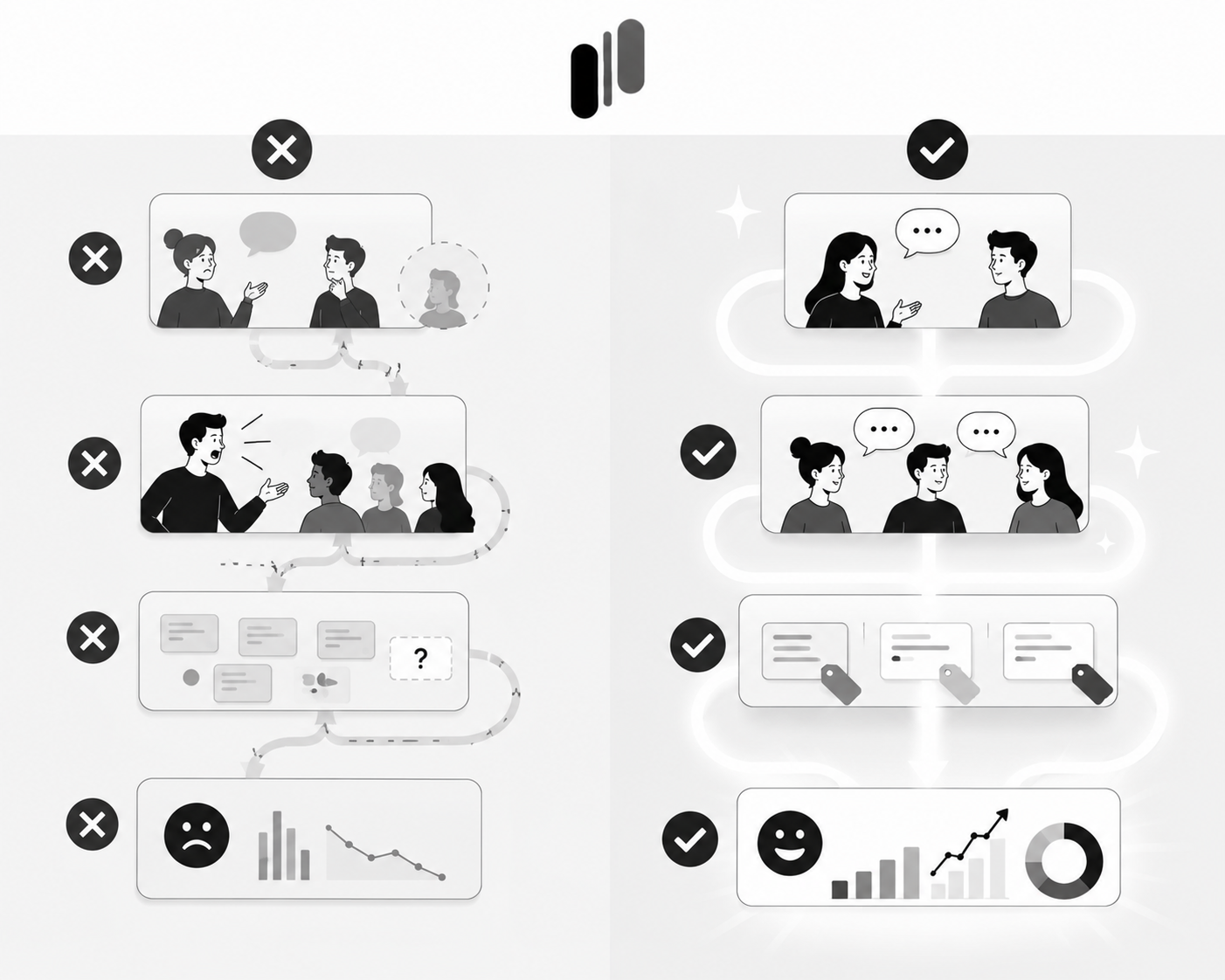
The Interview Question Cheat Sheet
Save this for your next round of interviews:
Opening Question (Build Context) "I noticed you voted for [Feature Name]. Can you tell me about the last time you faced this problem?"
The Five Whys (Dig Deeper)
- "Why is that important for you?"
- "Why does that happen specifically with our product?"
- "Why haven't you solved it another way?"
- "Why would this feature change your workflow?"
- "Why would you recommend this to a colleague?"
The Hypothetical (Test Your Solution) "If we built [specific approach], would that solve your problem? Why or why not?"
The Validation (Check Market Size) "How many people on your team would use this feature?" "How often would you use it?" "Would this be a deal-breaker if we didn't build it?"
The Close (Get Commitment) "If we shipped this in Q3, would you be excited to use it?" "Would this reduce the time you spend on [pain point]?"
Conclusion: From Data to Decisions
The teams that build products users love don't rely on guesses. They use data to find the signal, then use interviews to amplify it.
By using MonkFeed to:
- Identify high-vote, low-comment items
- Target the right users for interviews
- Ask laser-focused questions based on voting patterns
- Tag insights so they're discoverable
- Notify voters when their feedback leads to action
You transform your feedback process from a guessing game into a precision engine.
The result? You build with confidence. You ship faster. You create advocates.
Ready to turn your voting data into interview gold? Start using MonkFeed today to identify your next interview candidates and validate your roadmap with confidence.