
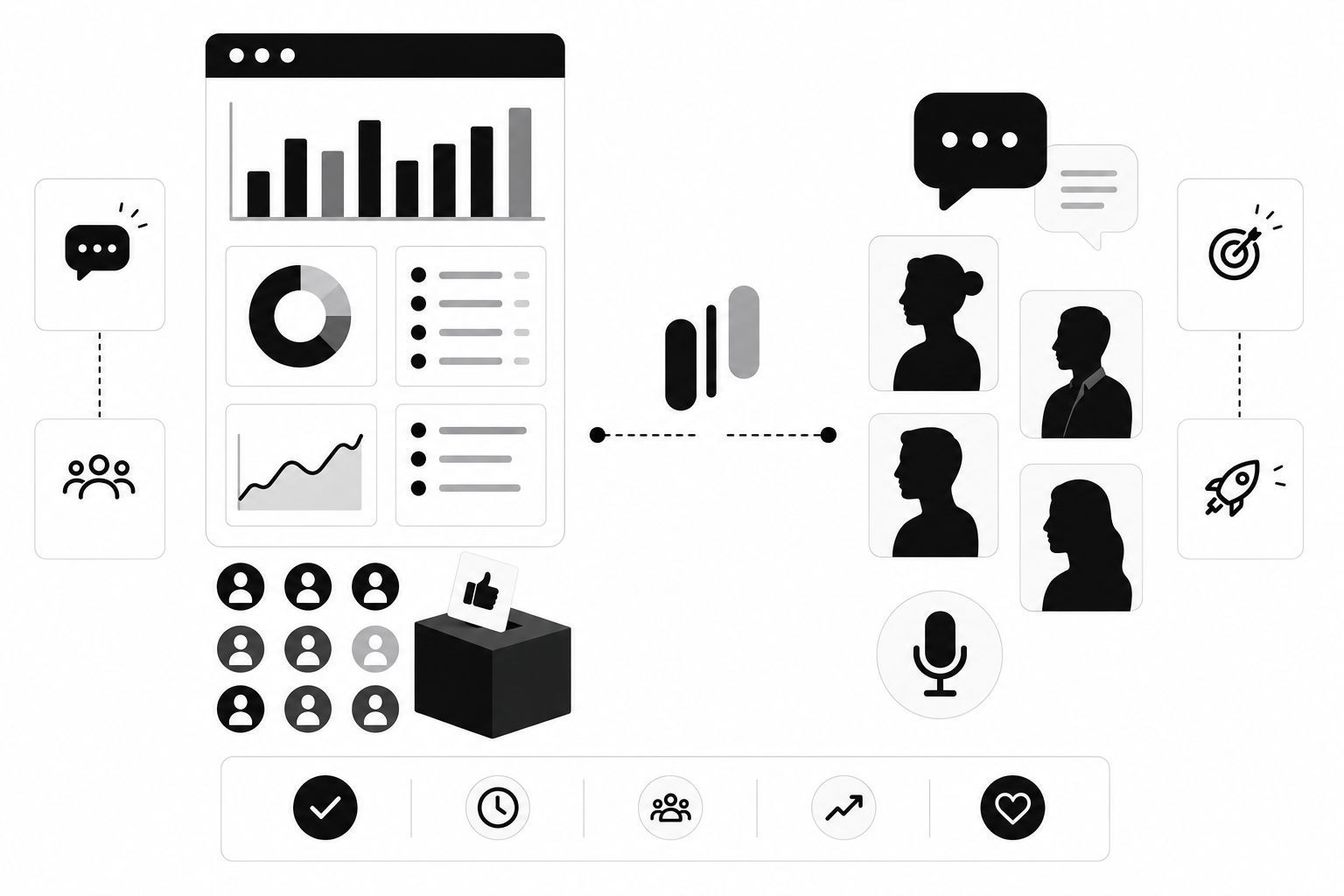
Most product teams run into a familiar wall: they have plenty of data, but none of it tells the whole story.
On one side, you have quantitative data — the hard numbers from your analytics and feedback boards. You know what users are clicking, how many people voted for a feature, and where they are dropping off.
On the other side, you have qualitative data — the rich, messy, human stories from user interviews. You know why they clicked, how they feel about the product, and what they need to solve their problem.
The problem? These two data streams often live in separate silos. The analytics team looks at dashboards, while the product team watches interview recordings. When these worlds don't collide, you end up building features based on guesswork or, worse, optimizing for the wrong problems.
At MonkFeed, we believe the magic happens when you stop choosing between "votes" and "stories" and start using them together. Here is your practical guide to mixing quantitative voting data with qualitative user interviews to build products your customers actually love.
The Trap of Relying on Just One Data Source
Before we dive into the "how," let's look at why relying on a single source of truth is a recipe for disaster.
The Quantitative Trap: "The What Without the Why"
Voting data and analytics are excellent at telling you what is happening.
- Data point: "300 users voted for 'Dark Mode'."
- The risk: You build Dark Mode, but you don't know why they want it. Is it for eye strain? For aesthetics? Because their boss told them to? If you build the wrong version of Dark Mode, you wasted engineering time.
The Qualitative Trap: "The Loud Minority"
User interviews are powerful, but they suffer from selection bias.
- Data point: "One power user told me they need a complex reporting dashboard."
- The risk: You build the dashboard, only to find out later that 95% of your user base never even opened it. You optimized for the loudest voice in the room, not the most common need.
The Solution: The Feedback Loop
The goal is to use quantitative data to find the problem and qualitative data to solve it.
"Key Takeaway: Use voting data to identify what matters to the majority. Use interviews to understand how to solve it."

Step 1: Use MonkFeed to Identify Interview Candidates
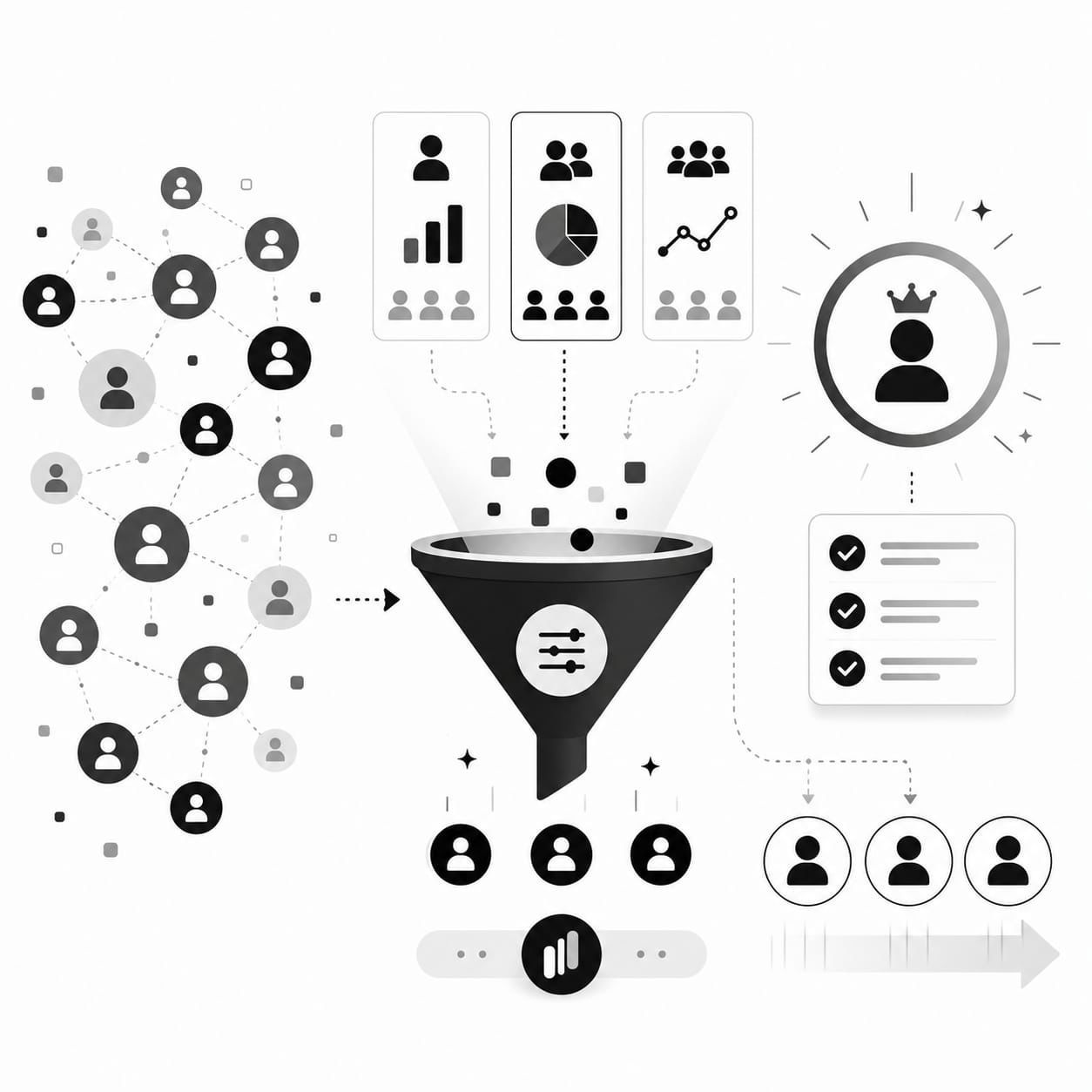
You don't need to interview random users to get good insights. You need to interview the right users at the right time. MonkFeed makes this easy by highlighting specific data patterns.
Look for "High Vote, Low Comment" Items
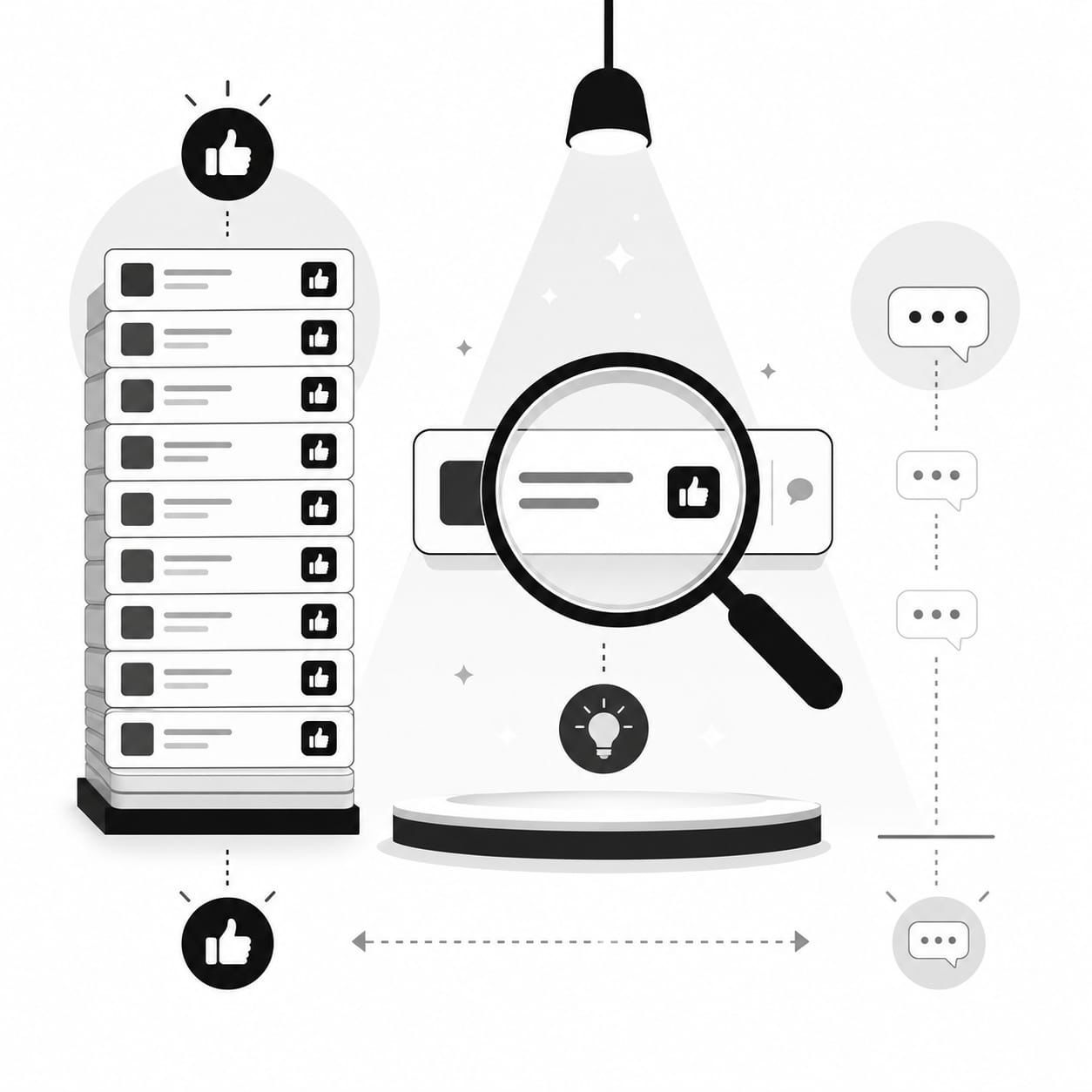
This is your golden ticket. When a feature request has hundreds of votes but very few comments, users are saying "I want this" but aren't telling you why or how they imagine it working. This is a massive opportunity for qualitative research.
How to do it in MonkFeed:
- Open your MonkFeed board.
- Sort by Votes (High to Low).
- Scan for items with high vote counts but few or no comments.
Action: These users are your prime interview candidates. They care enough to vote but haven't articulated their needs yet.
Look for "Stalled" Features
Identify features that have a steady stream of votes but haven't been prioritized for months.
Question to ask: "I see you've been voting for X for a long time. What happens in your workflow right now that makes this so critical?"
Goal: Uncover the specific business impact or pain point that hasn't been solved.

Segment Your Voters
Not all votes are created equal. A vote from your Enterprise tier is worth more than a vote from a Free tier user.
- Filter by User Tier: In MonkFeed, filter your board to show votes from your "Enterprise" or "Pro" segments.
- Target: Reach out to these high-value users for in-depth interviews. Their feedback will directly impact your revenue retention.
Step 2: Craft Interview Questions Based on Voting Data
Once you have your list of candidates, don't walk into the interview blind. Use their voting history to script your questions. This shows you are listening and helps you dig deeper immediately.
The "Contextual" Approach
Instead of asking generic questions like "What features do you want?", ask questions that reference their specific activity.
Bad Question: "What would you like to see in our product?"
Good Question (Using MonkFeed Data): "I noticed you voted for 'Export to CSV' three times in the last month, but you haven't left a comment. Can you walk me through the last time you needed to export data? What did you have to do instead?"
The "Hypothetical" Approach
Use the voting data to test your assumptions about the solution.
"We see a lot of requests for a 'Mobile App'. If we built a mobile version today, what is the one thing you'd do on it that you can't do on the desktop right now?"
The "Five Whys" Technique
When a user explains a problem, keep asking "Why?" to get to the root cause.
- User: "I need a Dark Mode."
- You: "Why is that important for you?"
- User: "My eyes get tired at night."
- You: "Why does that happen specifically with our app?"
- User: "Because the contrast is too bright compared to my other tools."
Insight: The user doesn't just want "Dark Mode"; they want better contrast management. You might solve this with a "Dim Mode" or "High Contrast" toggle instead of a full UI overhaul.

Step 3: Tagging and Closing the Loop
You've done the interview. You have a transcript, a recording, and a list of insights. Now, how do you make sure this qualitative data influences your roadmap without getting lost in a doc?
This is where MonkFeed becomes your single source of truth.
1. Create a "Qualitative Insight" Tag
Create a custom tag in MonkFeed called Interview Insight or Qualitative Data. When you find a recurring theme in your interviews (e.g., "Users hate the onboarding flow"), apply this tag to the relevant feature request or create a new one.
2. Link the Interview to the Request
In the Comments section of the relevant MonkFeed card, paste a link to the interview recording or a summary of the key quote.
Example Comment: "Interview with Enterprise User (John D.) confirmed that 'Export to CSV' is critical for their monthly reporting. Without it, they have to manually copy-paste data, which takes 4 hours. Priority: High."
3. Update the Status Based on Insights
Use your interview data to change the status of the request. If the interview reveals a critical blocker, move the request to In Progress or Validated. If the interview reveals the request is a misunderstanding, move it to Under Review and add a comment explaining the nuance.
Notify the Voters
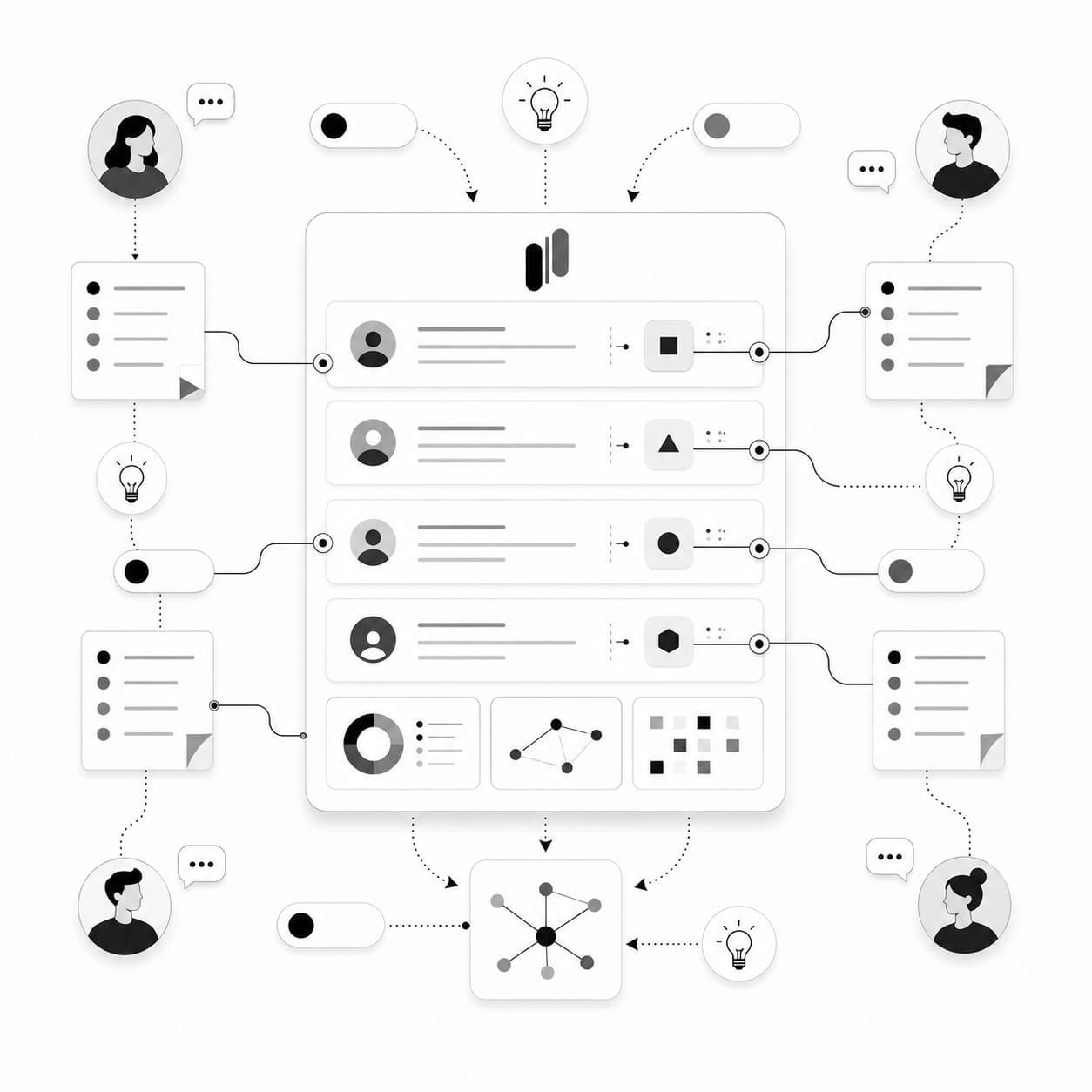
This is the secret weapon for retention. When you update the status of a request based on an interview, MonkFeed can automatically notify the voters.
Auto-Notification: "Thanks to your votes and feedback, we are moving 'Export to CSV' to the development queue. We spoke to several users (including you!) who shared critical details about their reporting needs."
This closes the loop. Users see that their vote and their voice led to action.
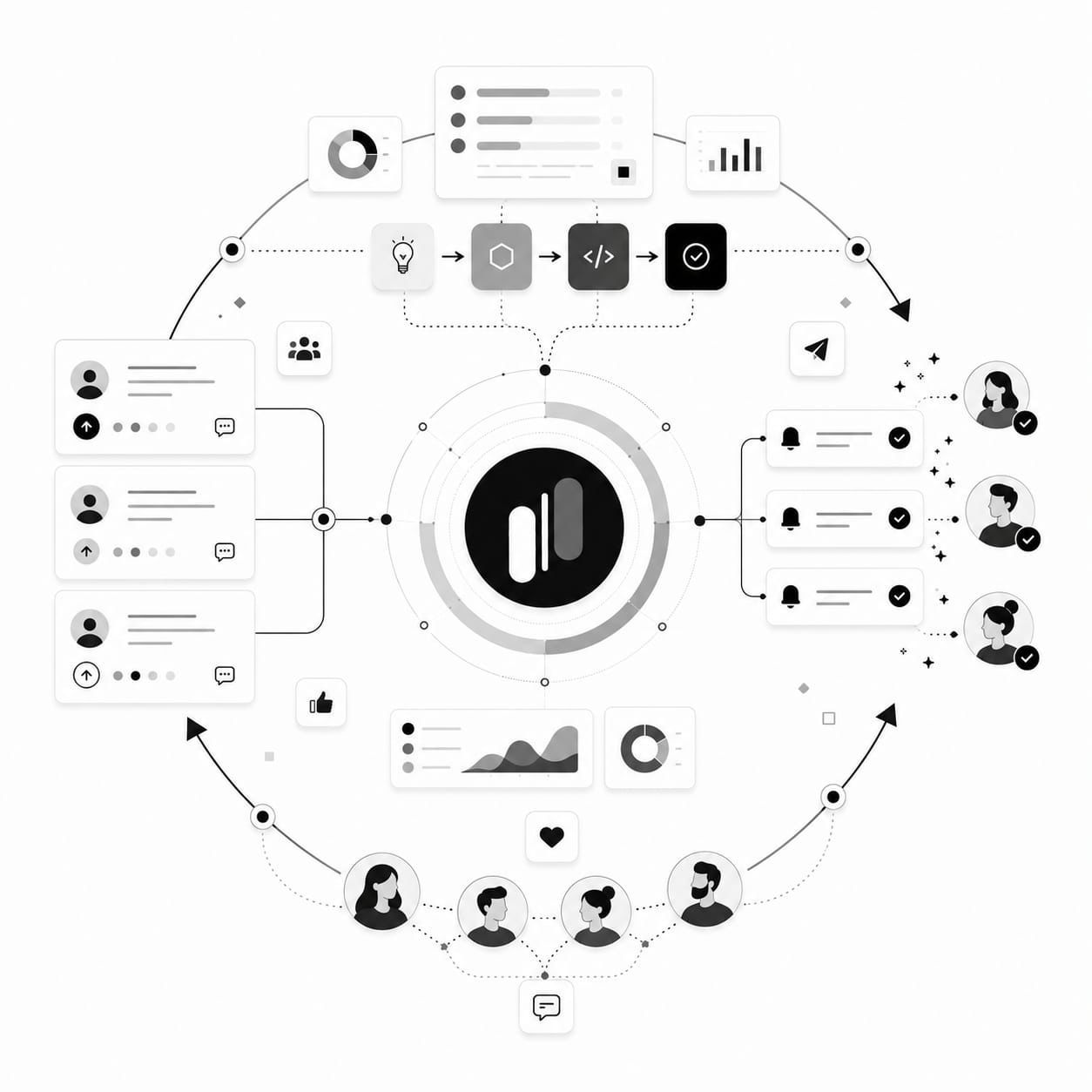
The "Quant-Qual" Workflow in Action
Here is a real-world scenario of how this workflow looks in practice:
- Quant Discovery: You notice "Real-time Collaboration" has 150 votes but only 5 comments.
- Targeting: You filter MonkFeed to find 5 users who voted for this feature and are on the "Pro" plan.
- Interview: You interview them. You discover they don't just want to "collaborate"; they need to comment on specific data rows without breaking the view.
- Synthesis: You realize the request isn't just "Chat" or "Co-editing." It's "Contextual Annotation."
- Tagging: You update the MonkFeed card title to "Contextual Annotation" and add the Interview Insight tag. You paste the user quote about "breaking the view."
- Roadmap: The product team builds "Row-Level Comments" instead of a generic chat window.
- Feedback: You update the status to "In Progress" and notify the 150 voters.
Result: You built the right thing, and you did it faster because you didn't guess.

Common Pitfalls to Avoid
Even with the best tools, it's easy to slip up. Here are a few things to watch out for:
- Don't ignore the "Silent" Majority: Just because a feature has low votes doesn't mean it's not important. Sometimes, the users who are least vocal are the ones at risk of churning. Use MonkFeed's "Churn Risk" filters (if available) to find these users.
- Don't let one loud voice drive the strategy: If one user gives you a brilliant idea, validate it with the voting data. If only 2 other users agree, it might be a niche need, not a roadmap priority.
- Don't skip the follow-up: If you promise to look into something during an interview, update the MonkFeed card and let them know the outcome. Broken trust is harder to fix than a missed feature.
Conclusion: Build with Confidence
The most successful product teams don't choose between data and stories. They use data to find the signal and stories to amplify it.
By using MonkFeed to:
- Identify high-priority, low-clarity requests.
- Target the right users for interviews.
- Tag and link qualitative insights back to the board.
- Close the loop with voters.
...you transform your feedback process from a guessing game into a precision engine.
Stop building features based on what you think users want. Start building what they actually need, backed by the data to prove it.
Ready to start combining your data sources? Get Started with MonkFeed and turn your feedback into your most powerful strategic asset.