
You spent weeks validating the idea, building the feature, and celebrating the launch. The "In Progress" ticket on your MonkFeed board finally moved to "Launched." The team is tired, the release notes are sent, and you feel a sense of accomplishment.
But here is the hard truth: your job isn't done.
In fact, the most critical phase of product management starts right now. This is where the "build it and they will come" myth often crashes into reality. Did users actually find the feature? Are they using it? Did it solve the problem that generated 50 upvotes in the first place?
If you don't measure feature adoption and close the loop with the users who asked for it, you risk building a graveyard of unused features. This erodes trust and wastes engineering resources.
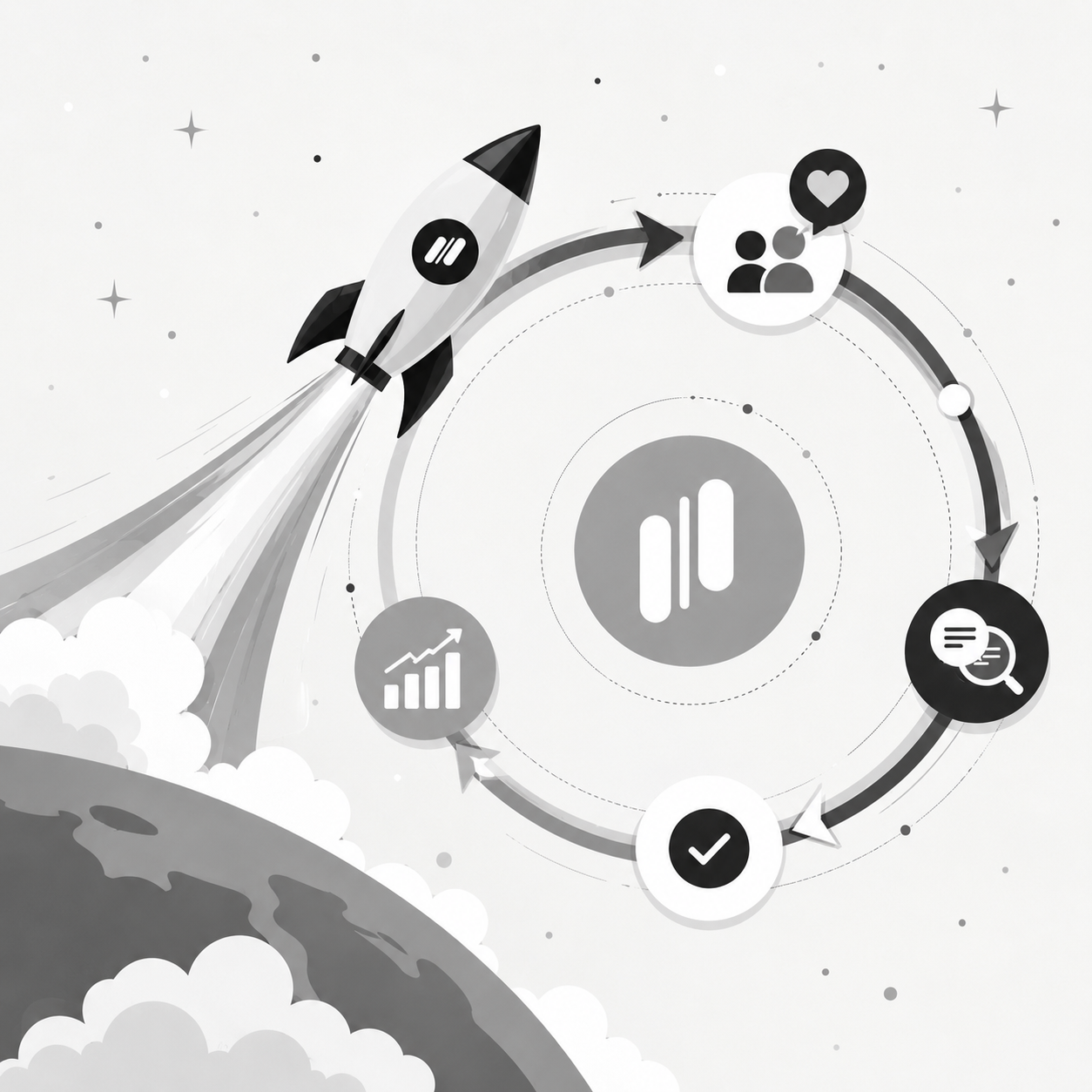
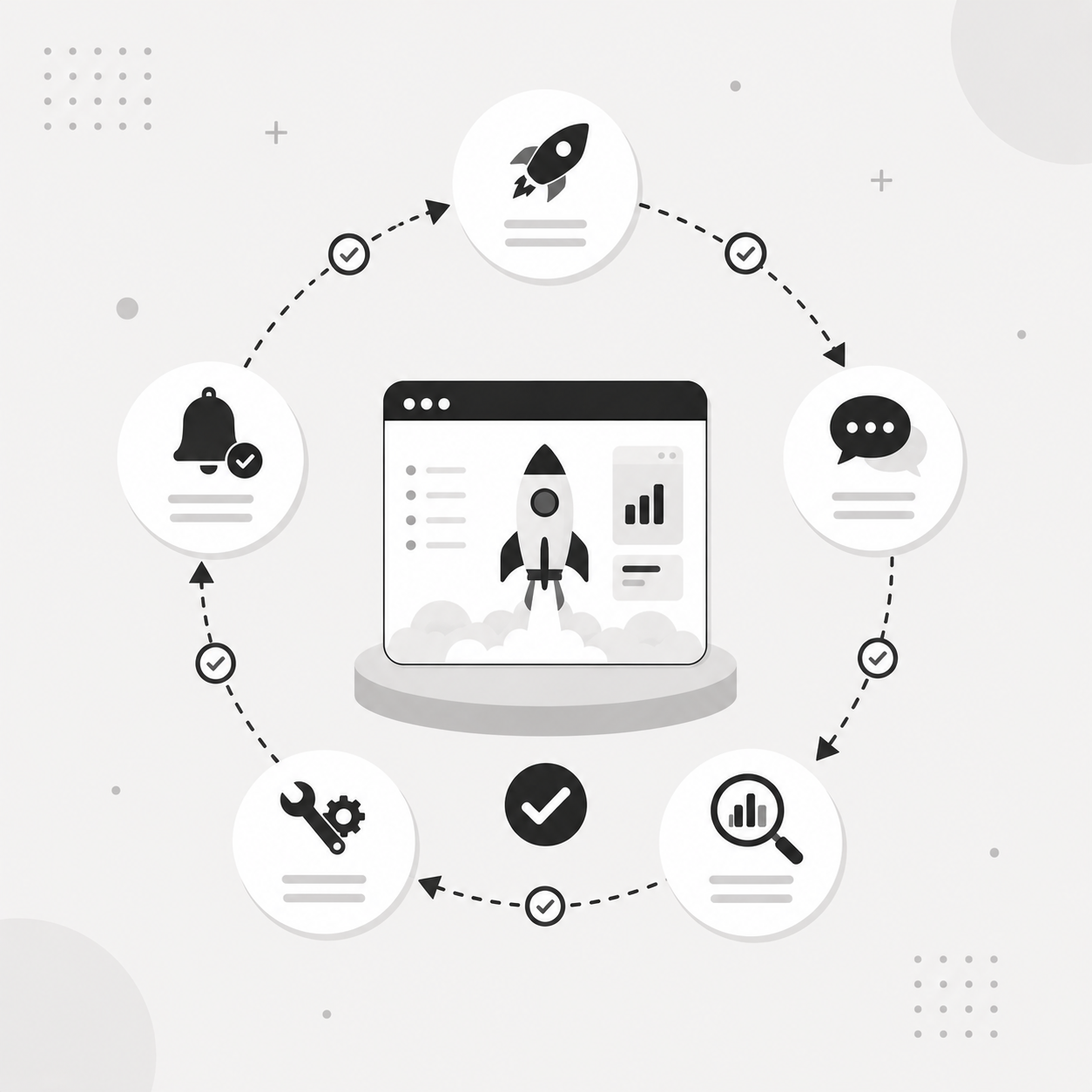
Here is how to use MonkFeed to transform your "Launch" status into a continuous cycle of adoption, validation, and retention.
The "Post-Launch Blind Spot"
Many product teams treat the launch as the finish line. They rely on backend analytics (like Mixpanel or Amplitude) to tell them if a feature was clicked. But analytics only show behavior, not sentiment.
Analytics say: "20% of users clicked the button."
The user says: "I clicked it, but it didn't solve my problem because X."
Without qualitative feedback, you are flying blind. You might see low adoption and assume the feature is bad, when in reality, users just didn't understand how to use it or needed a small tweak to make it work.
The goal: move from "We shipped it" to "We solved the problem."

Step 1: The "2-Week Check-In" Automation
Timing is everything. If you ask for feedback immediately after launch, users are overwhelmed by the novelty. If you wait a month, the feature might already be abandoned.
The sweet spot: 10–14 days after launch.
How to automate this in MonkFeed:
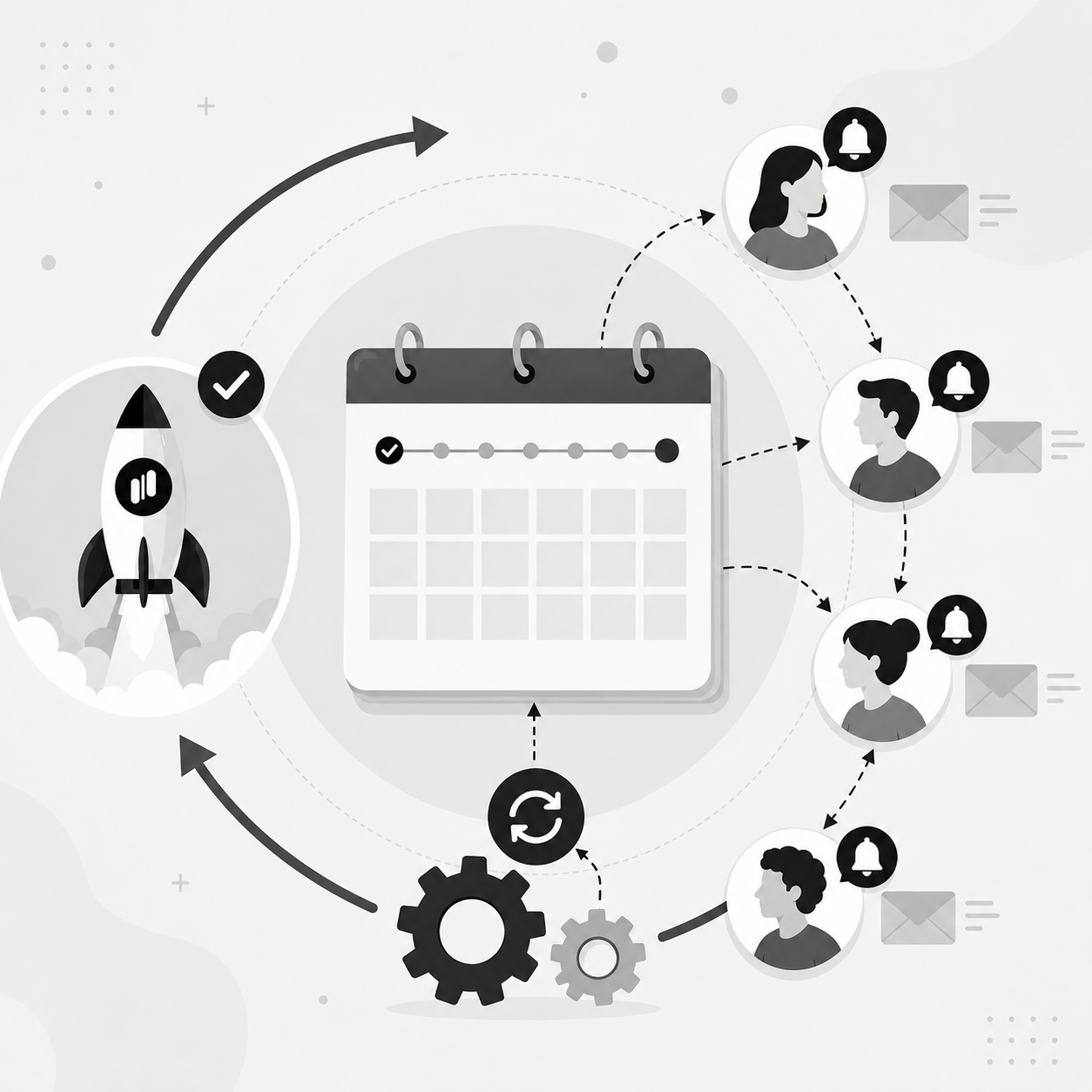
MonkFeed's automation rules allow you to trigger feedback requests based on user activity or time.
Set up a "Launch Follow-up" rule:
- Trigger: When a feature status changes to "Launched" in MonkFeed.
- Delay: Wait 14 days.
- Action: Send an automated email or in-app notification to users who upvoted or commented on the original request.
Craft the right question. Don't ask "Do you like it?" (too vague). Ask specific, actionable questions:
- "We just launched [Feature Name]. Is this solving the problem you mentioned?"
- "How would you rate your experience using [Feature] so far?"
- "Is there anything blocking you from using this feature?"
Why this works: you are targeting the exact users who care. They are your highest-signal group. By asking them directly, you bypass the noise of general user feedback.

Step 2: Tagging Qualitative Insights Back to the Board
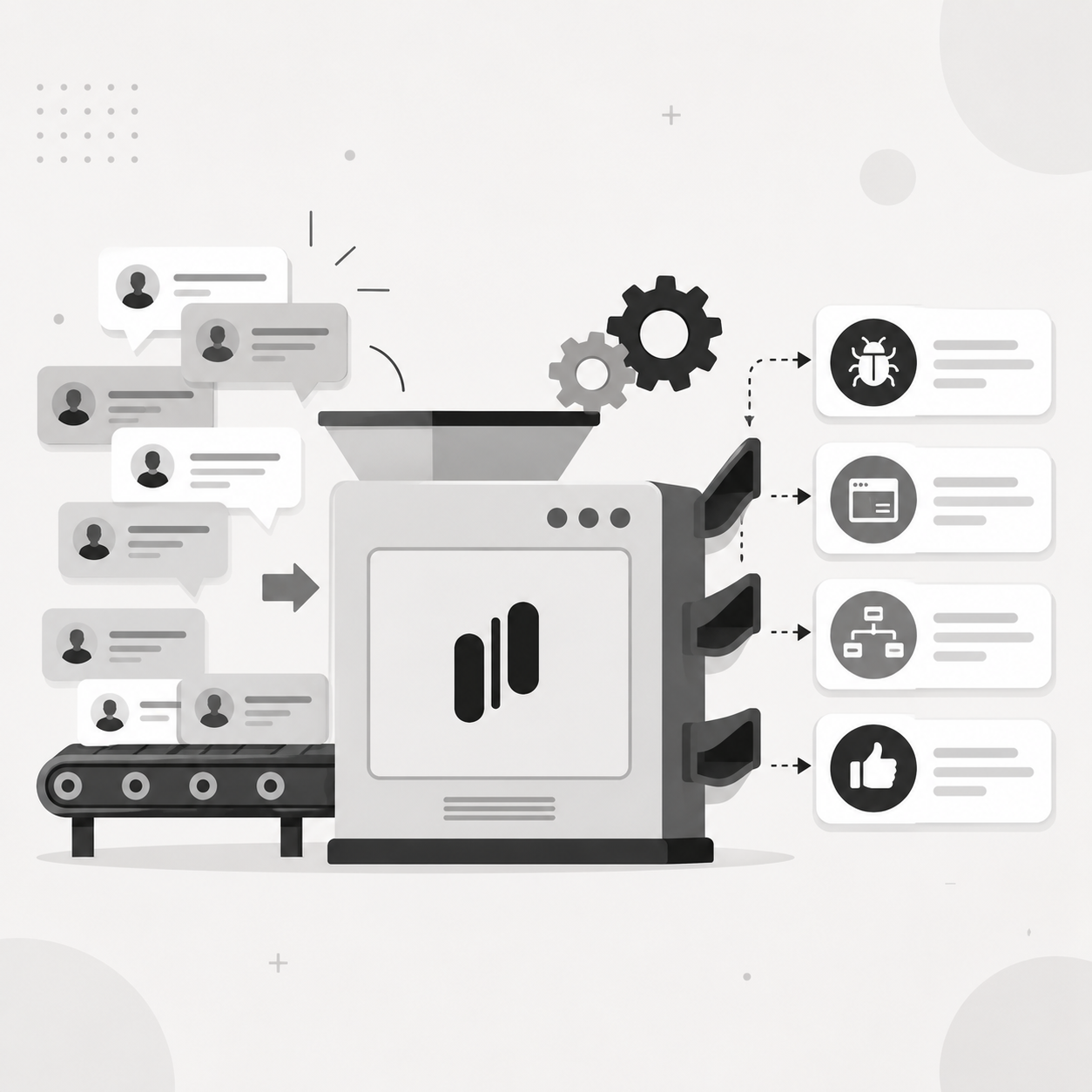
Once you start getting responses, you need a system to capture them. Don't let this data live in your email inbox or a Slack thread.
The MonkFeed workflow:
- Create a "Post-Launch" feedback board: Or use a specific tag on your main board like #Adoption-Check.
- Link feedback to the feature: When a user replies to your follow-up, create a new feedback item linked to the original feature request.
- Example: User says, "The export button is hidden." → Create a new item: "Export Button Visibility Issue" and link it to "Export Feature."
- Tag for analysis: Use tags to categorize the feedback:
- #UX-Issue (hard to find/understand)
- #Bug (broken functionality)
- #Missing-Workflow (solves part of the problem)
- #Adoption-Success (users love it!)
This creates a living archive of post-launch sentiment. You can now filter your board to see which launched features are generating #Adoption-Success tags and which are drowning in #UX-Issue tags.
Step 3: The "Close the Loop" Notification
The most powerful tool you have for retention is closing the loop. When a user sees that their feedback led to a change, their loyalty skyrockets.
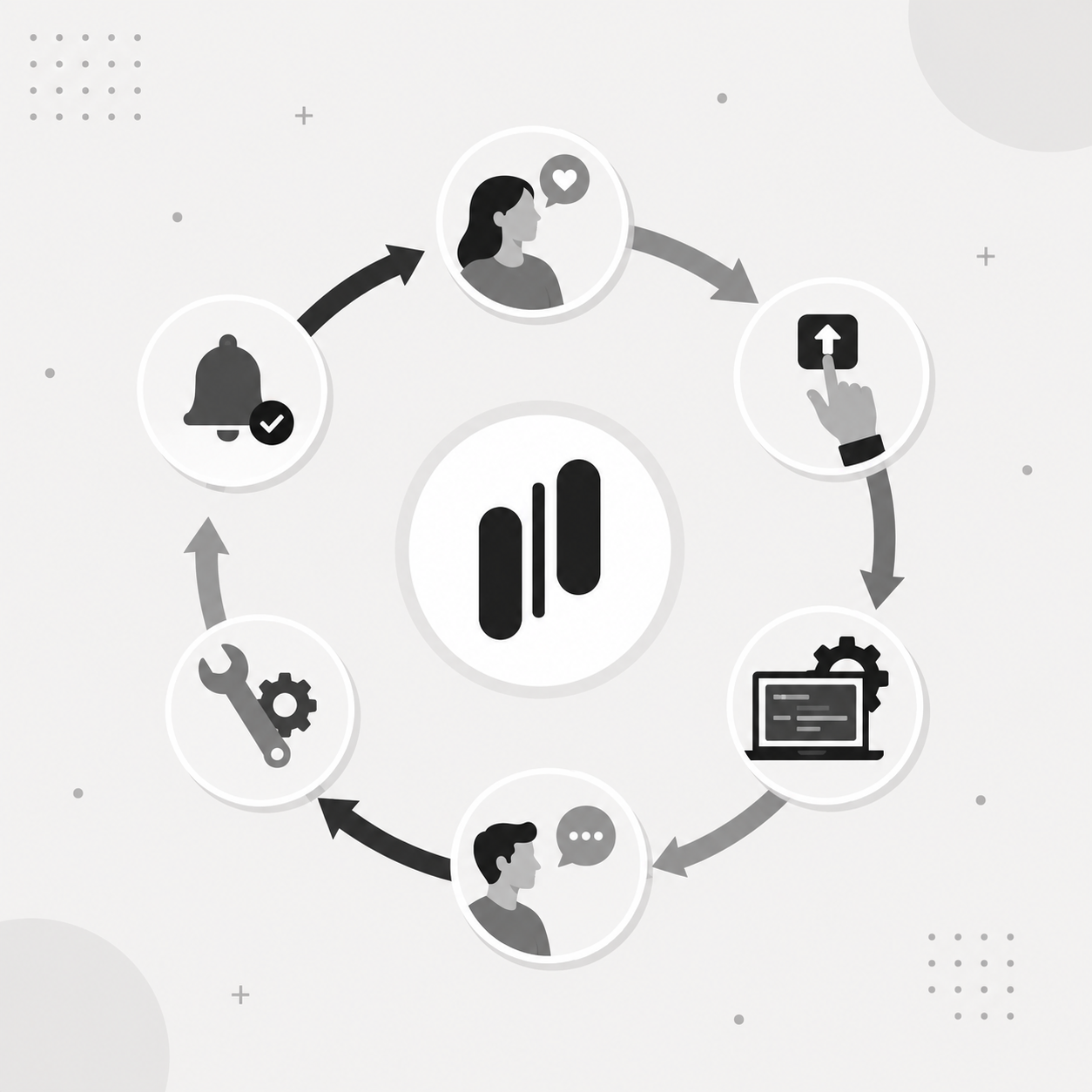
The cycle of trust:
- User votes: "We need dark mode."
- Team builds: Status changes to "Launched."
- You ask: "How is dark mode working?" (2 weeks later).
- User replies: "Love it, but the contrast is too low on charts."
- Team fixes: You adjust the contrast.
- You notify: "Thanks for the feedback! We just updated the chart contrast in Dark Mode."
The MonkFeed advantage: MonkFeed automatically sends these status updates. When you change the linked feedback item from "In Progress" to "Launched" (or "Fixed"), the user gets a notification.
Result: the user feels heard. They see that MonkFeed isn't just a suggestion box; it's a conversation. They are 3x more likely to stay engaged and recommend your product.
Step 4: Quantifying Adoption for the Roadmap
As a product manager, you need to justify your next sprint. Use your post-launch data to make data-driven decisions.
The adoption scorecard
Create a simple metric in your weekly review using MonkFeed data:
| Feature | Votes (Pre-Launch) | Adoption Rate (Post-Launch) | Sentiment Score | Action | |---|---|---|---|---| | Dark Mode | 120 | 45% | 9/10 (Positive) | Keep & Promote | | CSV Export | 85 | 12% | 4/10 (Negative) | Investigate UX | | API Docs | 40 | 60% | 8/10 (Positive) | Scale Up |
- High votes + low adoption + negative sentiment: Stop. The feature is broken or misunderstood. Re-prioritize a fix.
- High votes + low adoption + positive sentiment: Educate. The feature is good, but users don't know how to use it. Create a tutorial.
- Low votes + high adoption: Surprise hit. This might be a feature you underestimated. Double down on it.

Why This Matters for Retention
Churn often happens in silence. Users don't leave because they hate your product; they leave because they stop finding value.
If a user asks for a feature, you build it, but they can't use it effectively, they feel let down. By actively measuring adoption and following up, you:
- Identify friction points before the user decides to cancel.
- Turn passive users into active co-creators.
- Increase LTV (Lifetime Value) by ensuring every feature delivers real value.

Your New Post-Launch Checklist
Don't let another feature launch without this plan.
- Launch Day: Move feature to "Launched" in MonkFeed.
- Day 14: Trigger automated follow-up to voters/commenters.
- Day 15–20: Review responses. Tag insights (#UX-Issue, #Success).
- Day 21: Update the roadmap based on sentiment. Fix critical blockers.
- Day 22: Notify users of fixes. Celebrate the win.
Stop Building in the Dark
The best product teams don't just ship features; they ship solutions. And the only way to know if you've shipped a solution is to ask the people who asked for it.
MonkFeed makes it easy to close the loop, turning your post-launch phase into a continuous engine for retention and growth.
Start tracking adoption today — join the teams that never stop listening.